A new email layout for email invoices and all system notification emails will be rolled out on 24th of September. The refreshed layout brings several improvements:
- Enhanced visual appeal for a more professional look
- Improved user experience for recipients
- Optimized for browsers and mobile devices, making it easier to read invoices across platforms
Over the past months, we have tested the new design with a few customers and haven’t received any negative feedback so we are confident this update will be a positive improvement for everyone.
As all emails are generated by our system, this update requires no action from our customers. The new layout will be applied automatically to both email invoices and notification messages. However, if you consider it relevant for your email invoice recipients to be aware of the visual changes, you may choose to inform them in advance.
The new email layouts are now available in the Maventa testing environment. If you would like to try and preview the new invoice email layout using your own settings, you can send a test invoice to yourself from your testing company. Please note that while system generated email notifications will be sent out in the testing environment, email invoices are not sent by default to prevent accidental deliveries. To enable email invoice sending for your testing company, please contact our support team to have it activated.
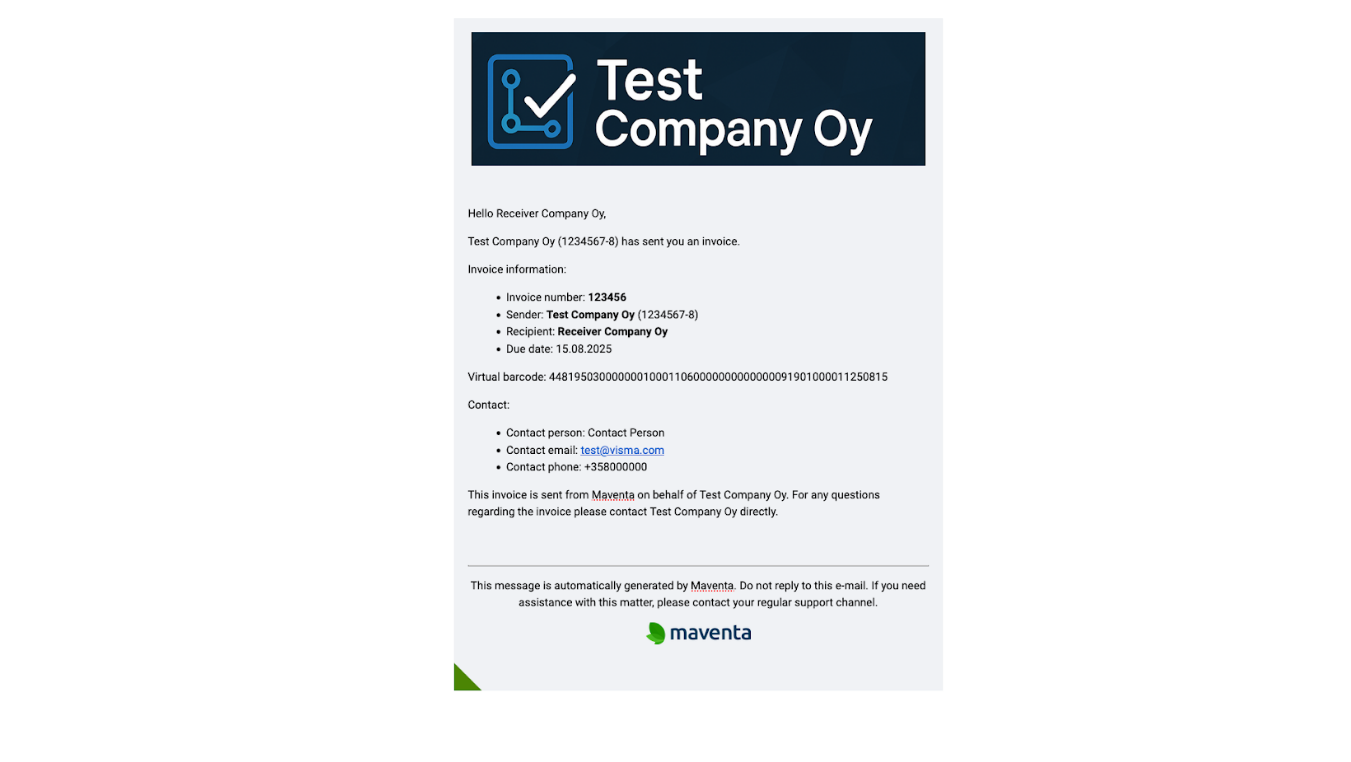
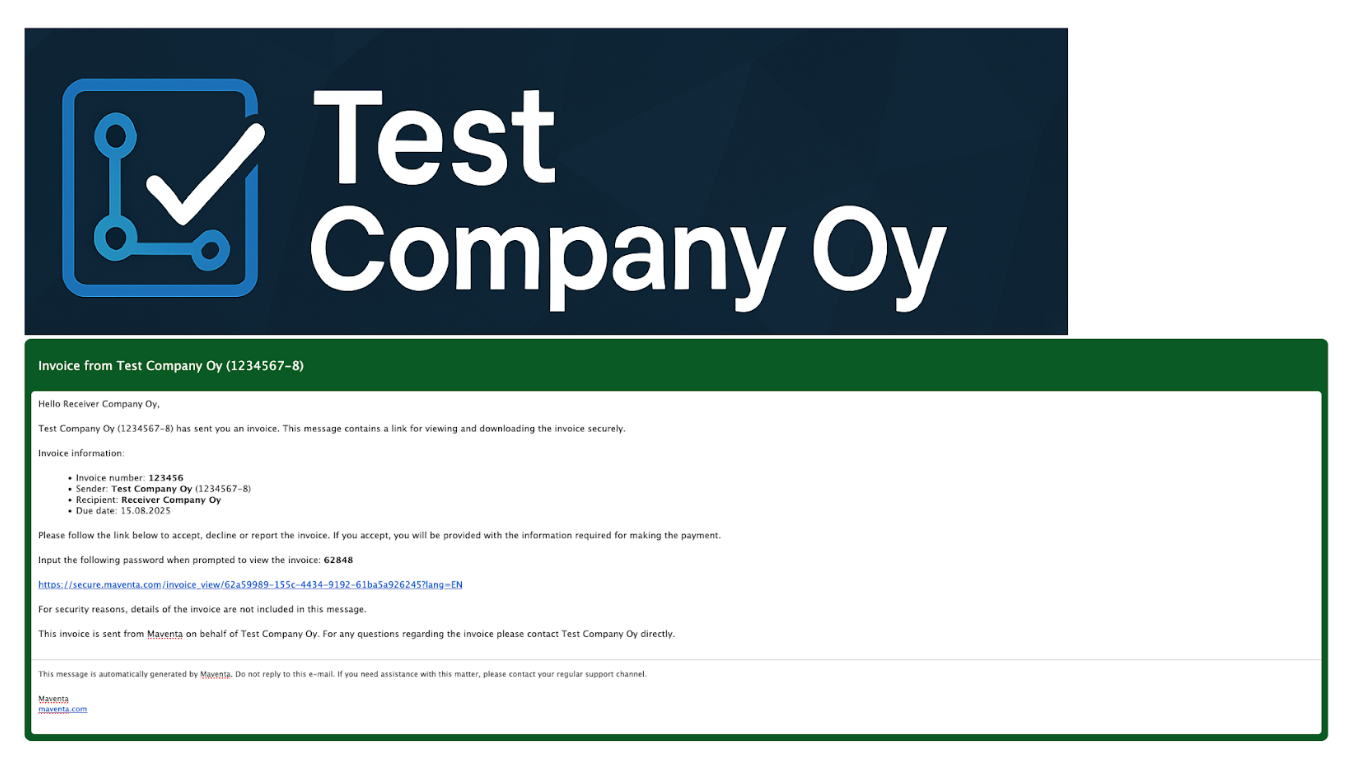
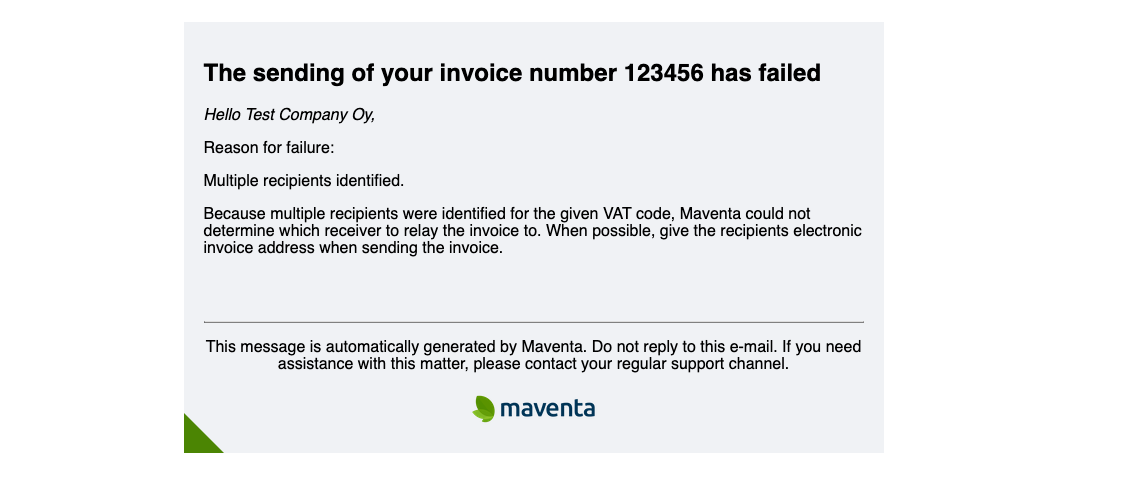
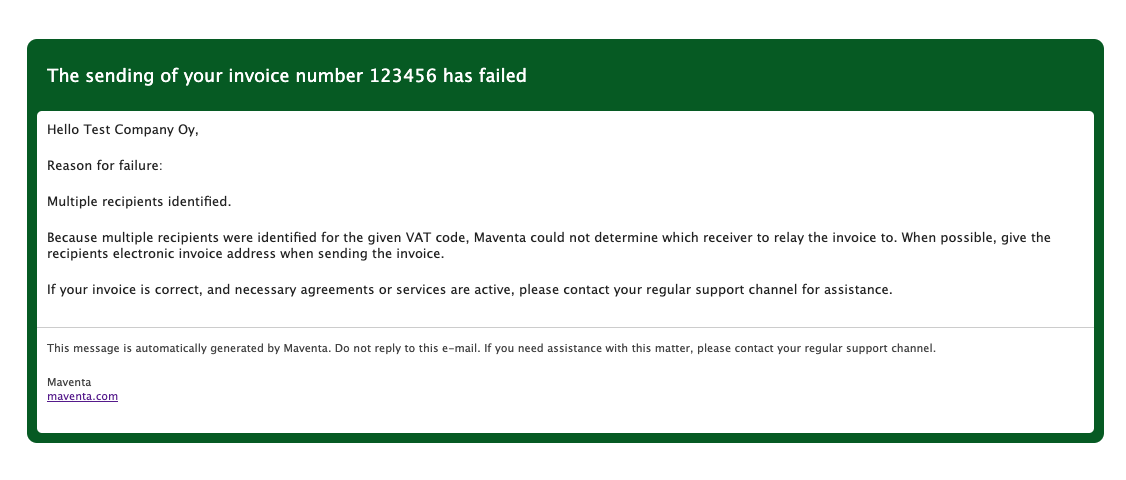
Below, you can see a comparison between the old and new layouts for a few different emails
Comparison: New email invoice layout
Comparison: New failed invoice email layout
Tip: Invoice email body can be customized with a header image
The invoice email body can be customized with a header image, which appears at the top of the email (see our example above). This is a great way to strengthen brand recognition and help recipients quickly identify the sender. Header image can be added via API or UI
Instructions to add a header image via Maventa UI:
- Go to Settings in the Maventa UI
- Navigate to Sending invoices → via email
- Upload your preferred header image